
Connection
Requires server-side panel installation
Visual management over SSH


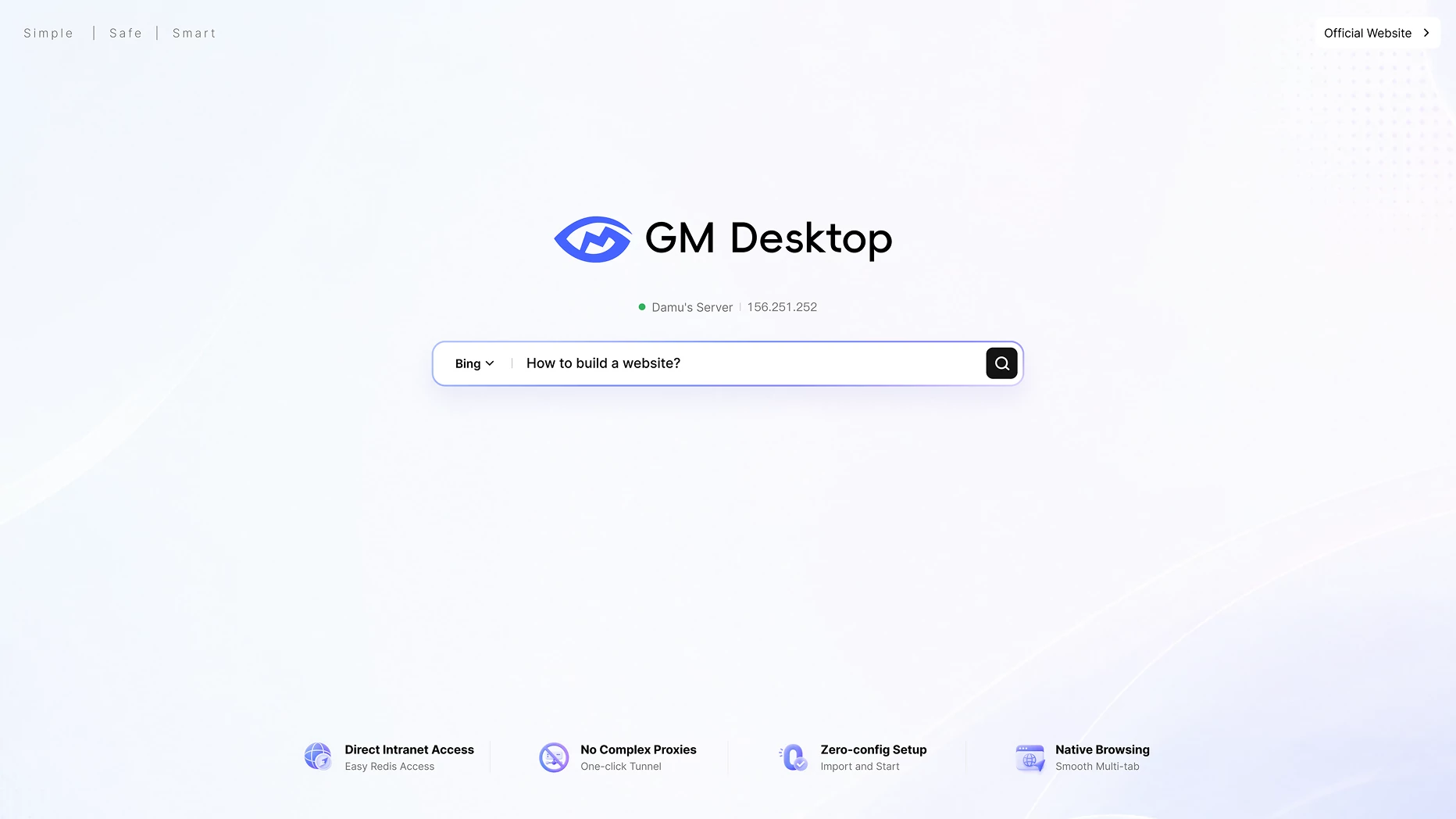
A simple, secure, intelligent desktop for managing Linux servers.
GMSSH focuses on a desktop-style, visual server management experience, helping users manage multiple servers through one unified interface.
Requires server-side panel installation
Visual management over SSH
Best on clean servers; limited takeover
Works with existing servers
Requires a separate panel login
No extra URL, port, or credentials
Requires an open web panel port
SSH tunnel; no extra panel port
More components and resource use
Lightweight 5 MB agent with low overhead
Traditional admin console
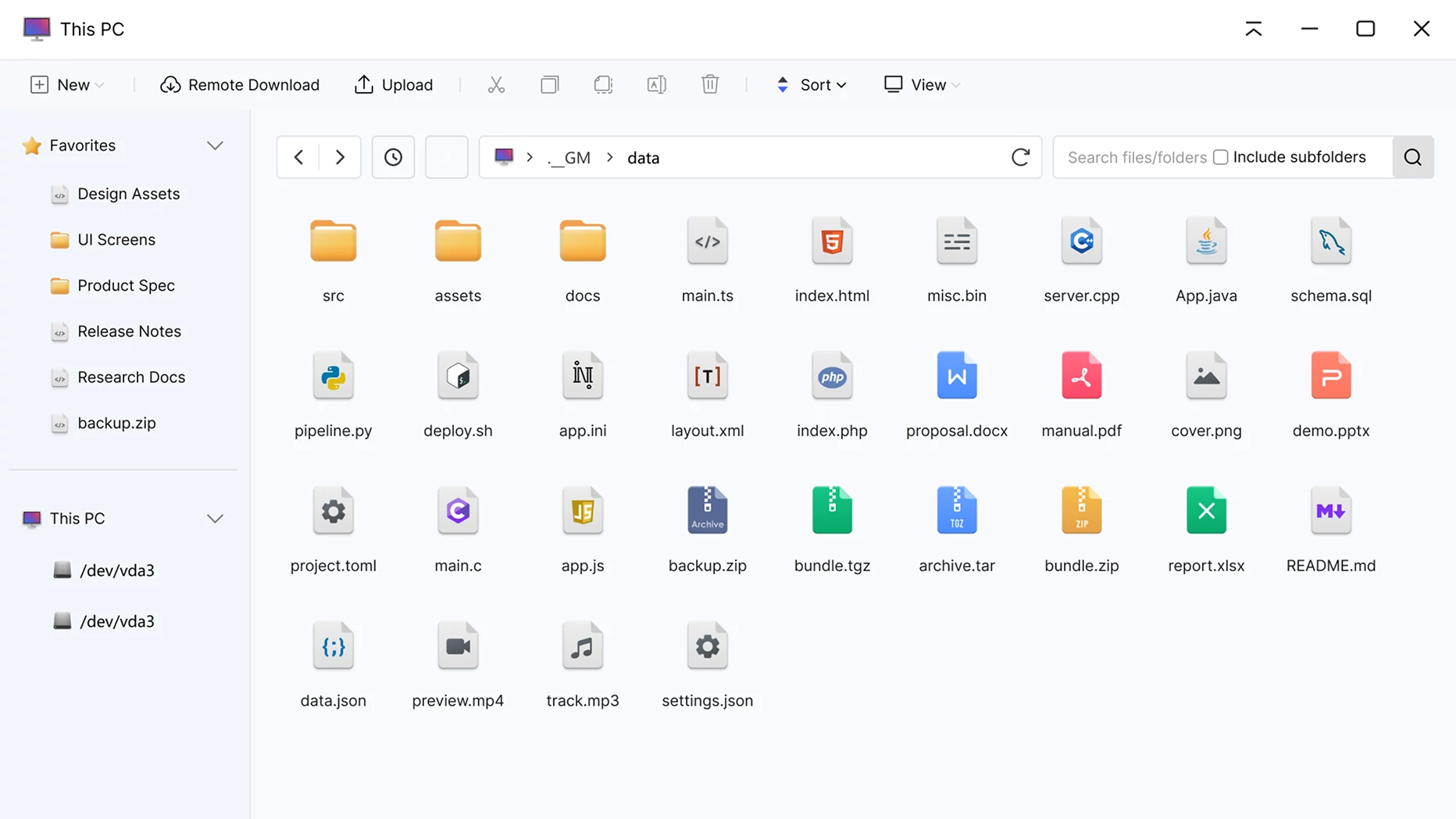
Desktop UI for files, terminals, and apps
Usually has no native server browser
Built-in lightweight server browser
Mostly built-in AI with limited customization
Custom Skills, models, and knowledge bases
Usually designed for one server
Manage and switch servers in one client
Advanced features often cost more
Core features are free; lower long-term cost
Older ecosystem with more guides and plugins
New product with a fast-improving core
Windows and Linux support, but heavier on Linux
Deep Linux management for Ubuntu and CentOS
| Feature | Server panel | GMSSH | Winner |
|---|---|---|---|
| Connection | Requires server-side panel installation | Visual management over SSH | |
| Setup | Best on clean servers; limited takeover | Works with existing servers | |
| Login | Requires a separate panel login | No extra URL, port, or credentials | |
| Security | Requires an open web panel port | SSH tunnel; no extra panel port | |
| Resources | More components and resource use | Lightweight 5 MB agent with low overhead | |
| Workflow | Traditional admin console | Desktop UI for files, terminals, and apps | |
| Browser | Usually has no native server browser | Built-in lightweight server browser | |
| AI | Mostly built-in AI; no custom Skills, models, or knowledge bases | Custom Skills, models, and knowledge bases for flexible agents | |
| Multi-server | Usually designed for one server | Manage and switch servers in one client | |
| Cost | Advanced features often cost more | Core features are free; lower long-term cost | |
| Maturity | Older ecosystem with more guides and plugins | New product with a fast-improving core | |
| Systems | Windows and Linux support, but heavier in Linux-focused use | Deep Linux management for Ubuntu and CentOS; no Windows support | |

Skip environment setup and VNC configuration. Go from the command line to a visual desktop in one click.
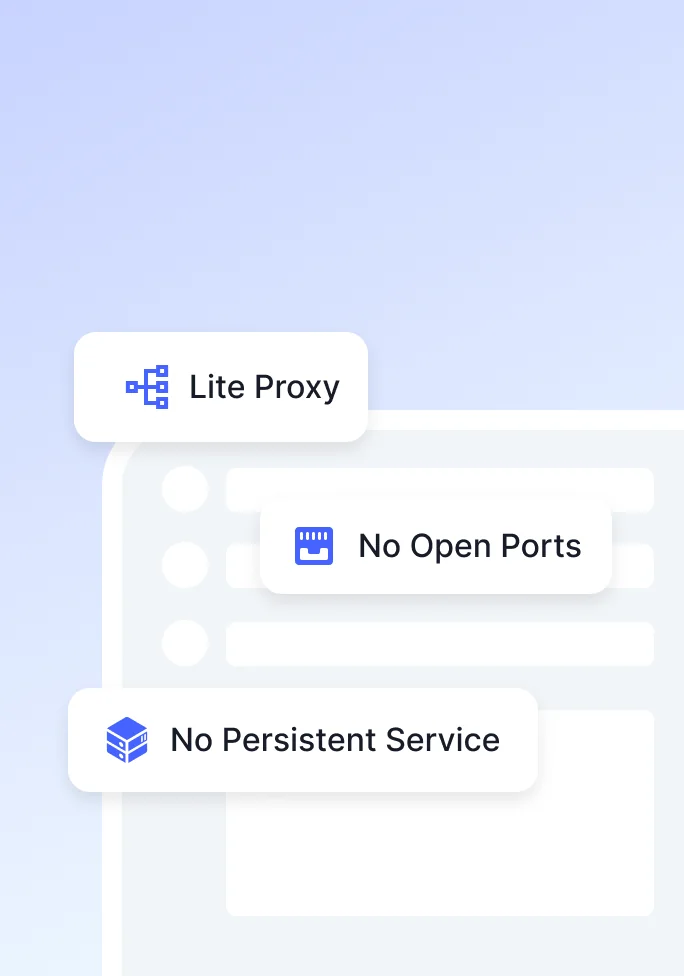
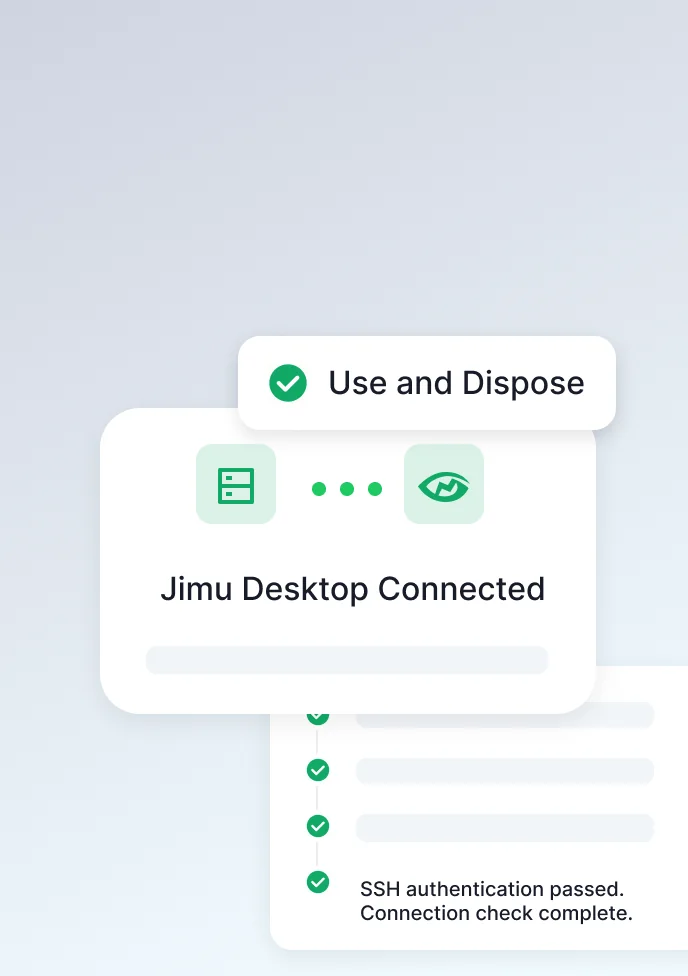
Encrypted through an SSH tunnel, with no additional ports to expose.

No proxy, open ports, or overhead

SSH keys prevent snooping and tampering

Server-only passwords; no relay keys

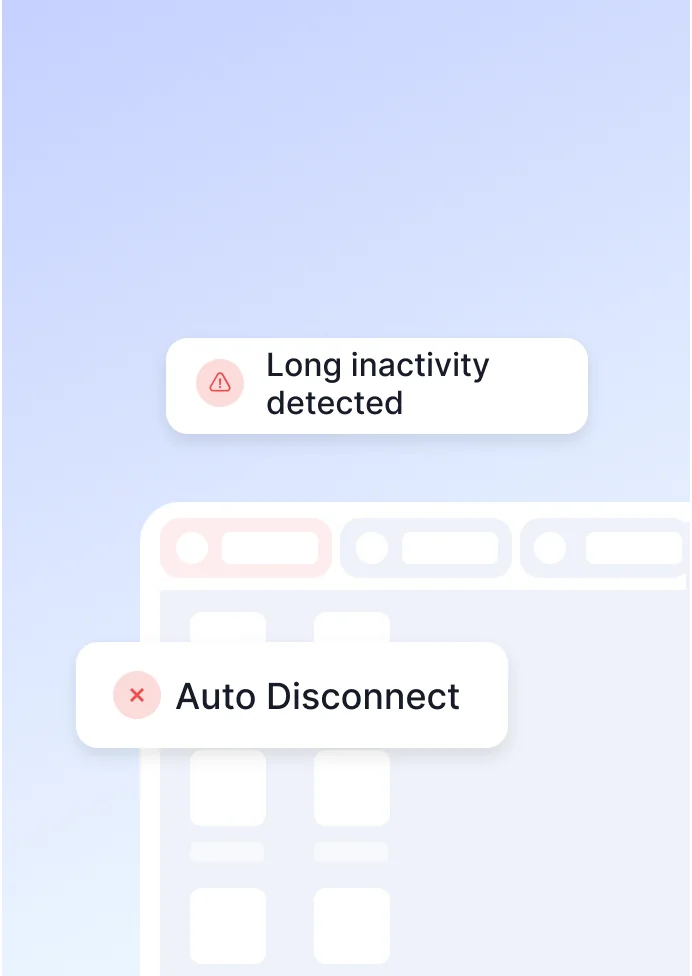
Closes inactive sessions automatically
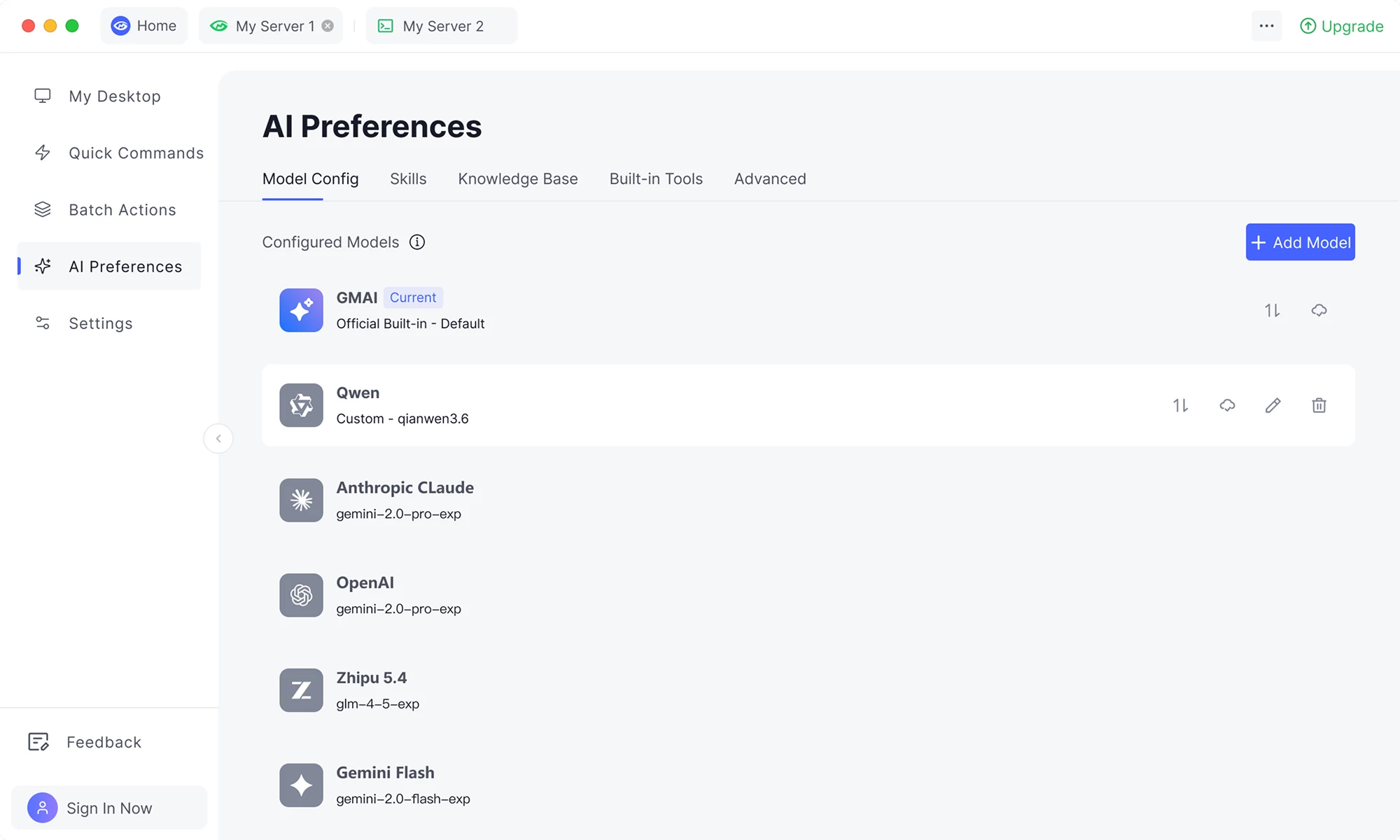
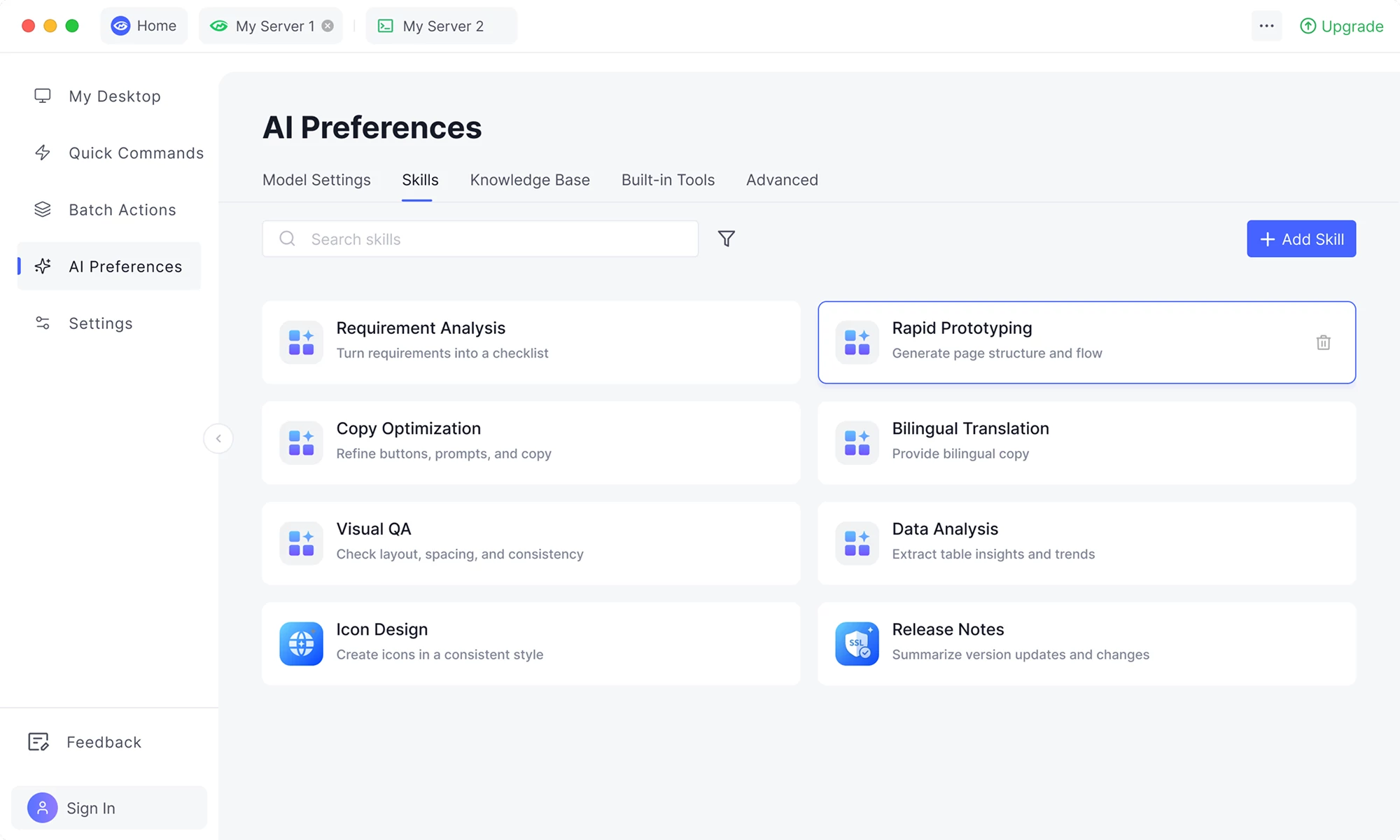
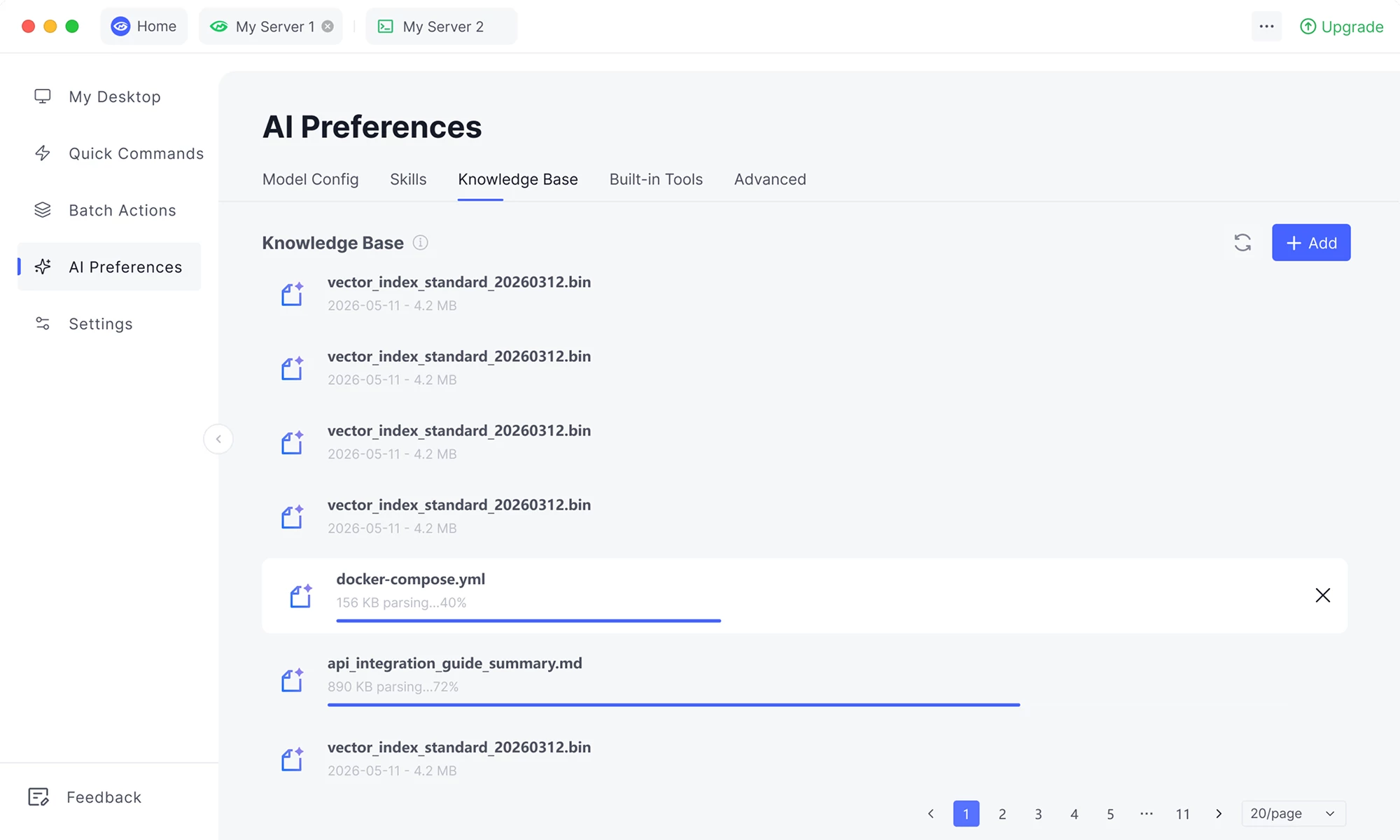
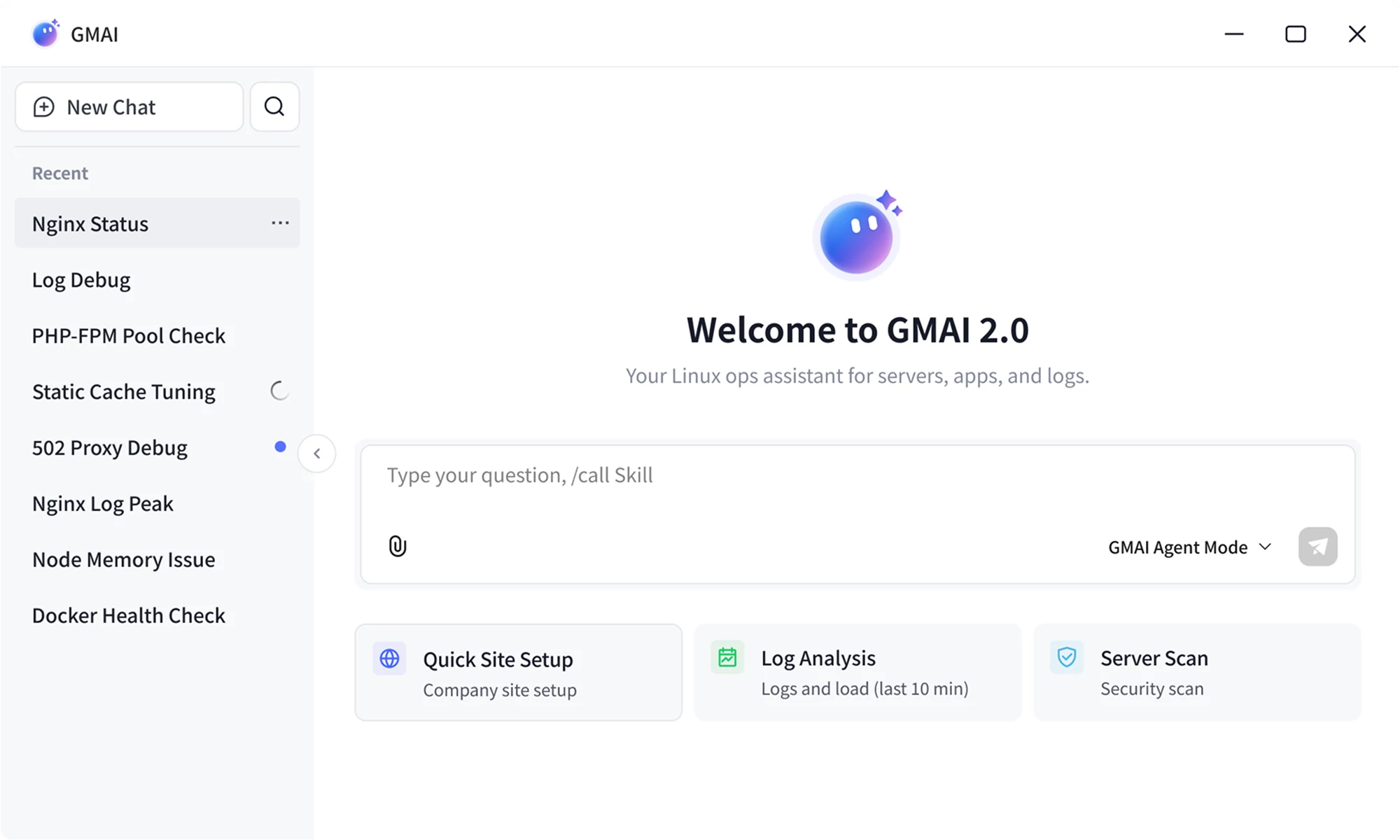
Choose your models, skills, and knowledge to build an assistant that understands your work and gets things done.


Built-in tools solve tasks instead of only answering


Built-in tools solve tasks instead of only answering


Full-stack Engineer
“GMSSH’s direct SSH connection is effortless—no environment setup like traditional panels. The modern interface and multi-window workflow feel as smooth as a local computer.”

Operations Engineer
“After ten years with VNC, I was tired of lag and disconnects. GMSSH feels like moving from a feature phone to a smartphone: smooth controls, plus AI command completion. I can’t go back.”

Full-stack Engineer
“The built-in AI agent is a huge help for scripts and configuration. Combined with batch management across servers, it is far more efficient than connecting to each machine over VNC.”

Full-stack Engineer
“Replacing a heavy graphical desktop with GMSSH cut memory use to only a few MB. It keeps the convenience of visual management without the performance overhead.”

Student
“I used to spend ages setting up a server panel. Now SSH is enough to use GMSSH. As a Linux beginner, it opens a window onto the black screen and makes the learning curve much gentler.”

Full-stack Engineer
“GMSSH’s direct SSH connection is effortless—no environment setup like traditional panels. The modern interface and multi-window workflow feel as smooth as a local computer.”

Operations Engineer
“After ten years with VNC, I was tired of lag and disconnects. GMSSH feels like moving from a feature phone to a smartphone: smooth controls, plus AI command completion. I can’t go back.”

Full-stack Engineer
“The built-in AI agent is a huge help for scripts and configuration. Combined with batch management across servers, it is far more efficient than connecting to each machine over VNC.”

Full-stack Engineer
“Replacing a heavy graphical desktop with GMSSH cut memory use to only a few MB. It keeps the convenience of visual management without the performance overhead.”

Student
“I used to spend ages setting up a server panel. Now SSH is enough to use GMSSH. As a Linux beginner, it opens a window onto the black screen and makes the learning curve much gentler.”

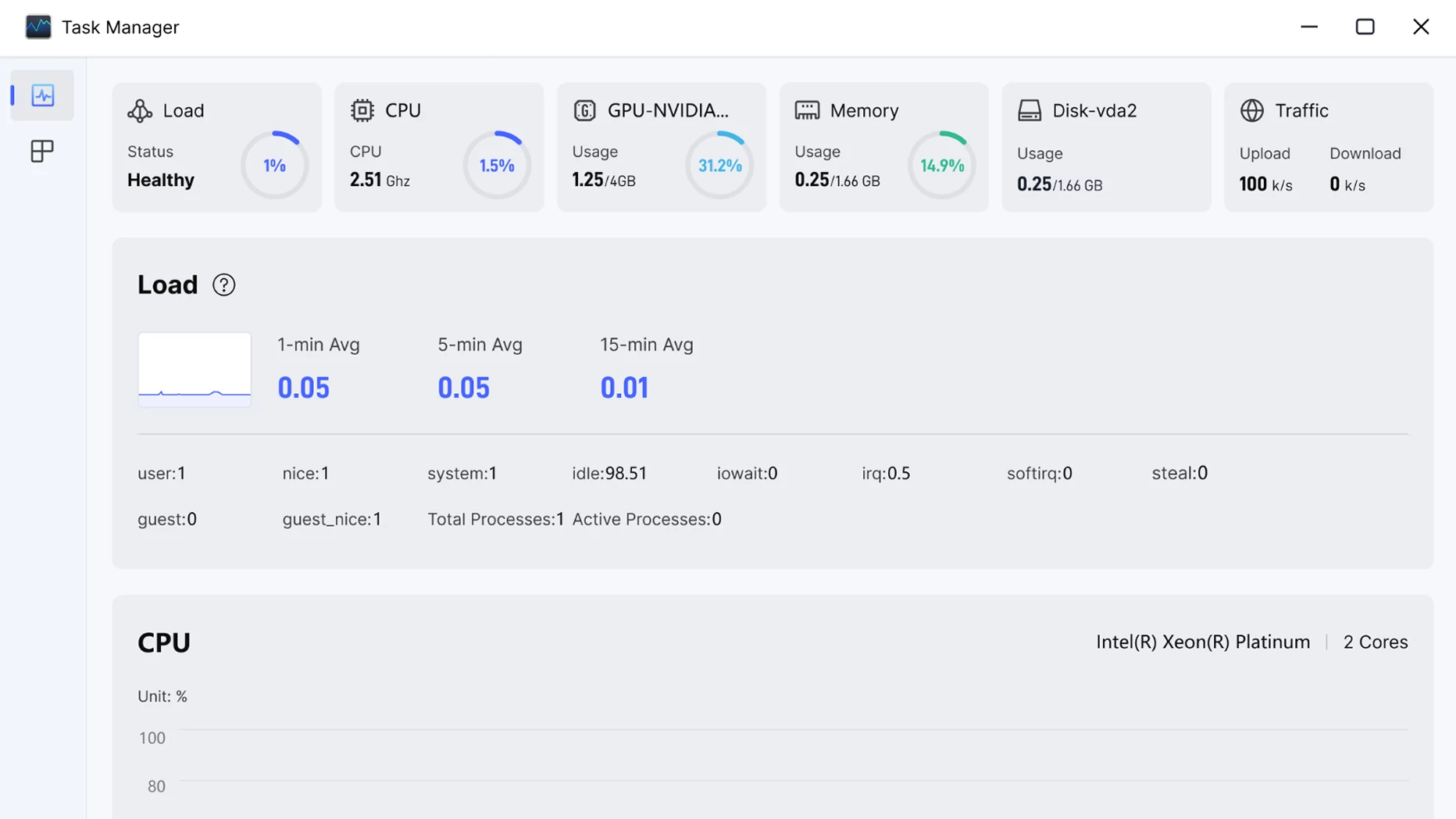
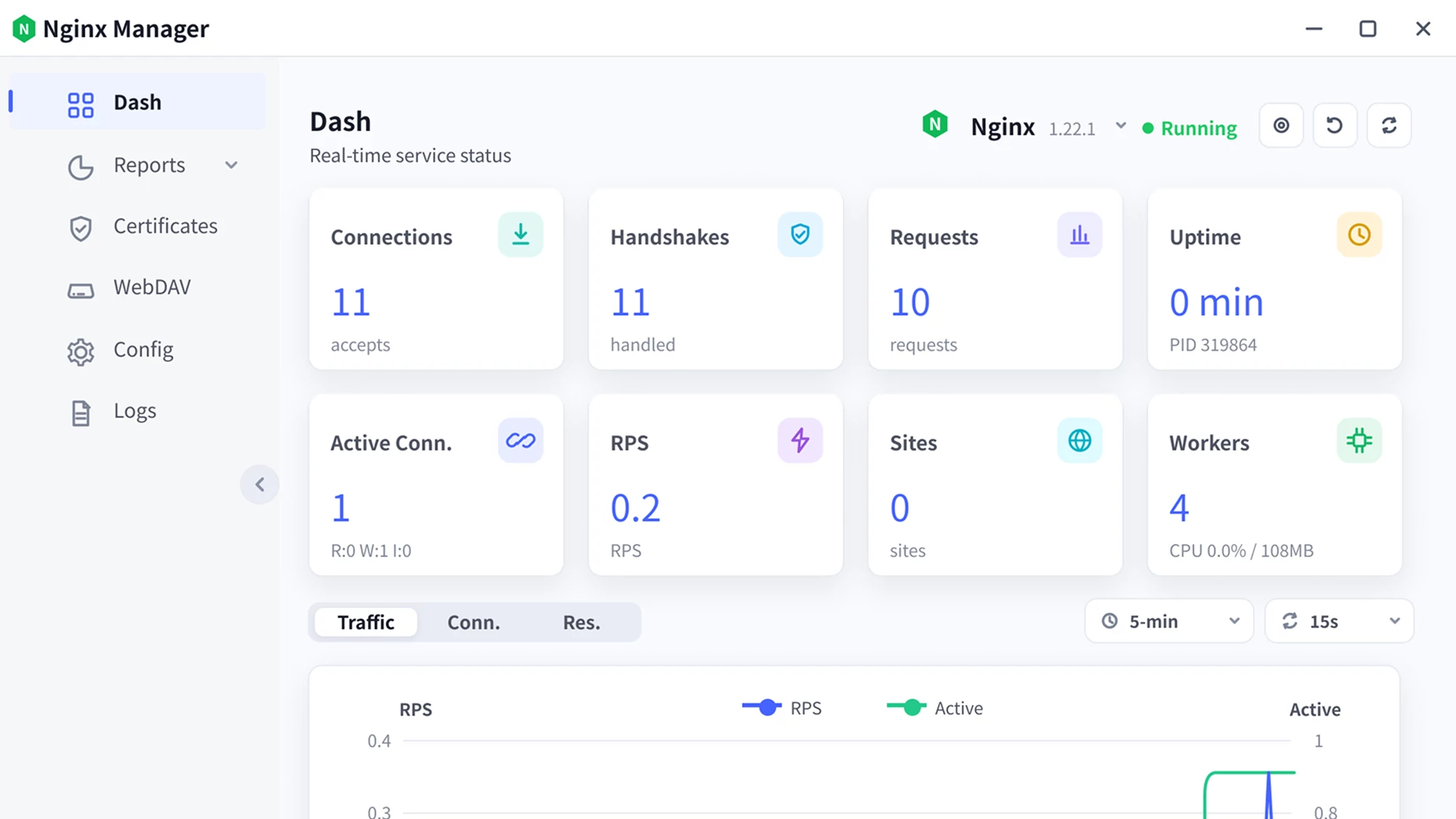
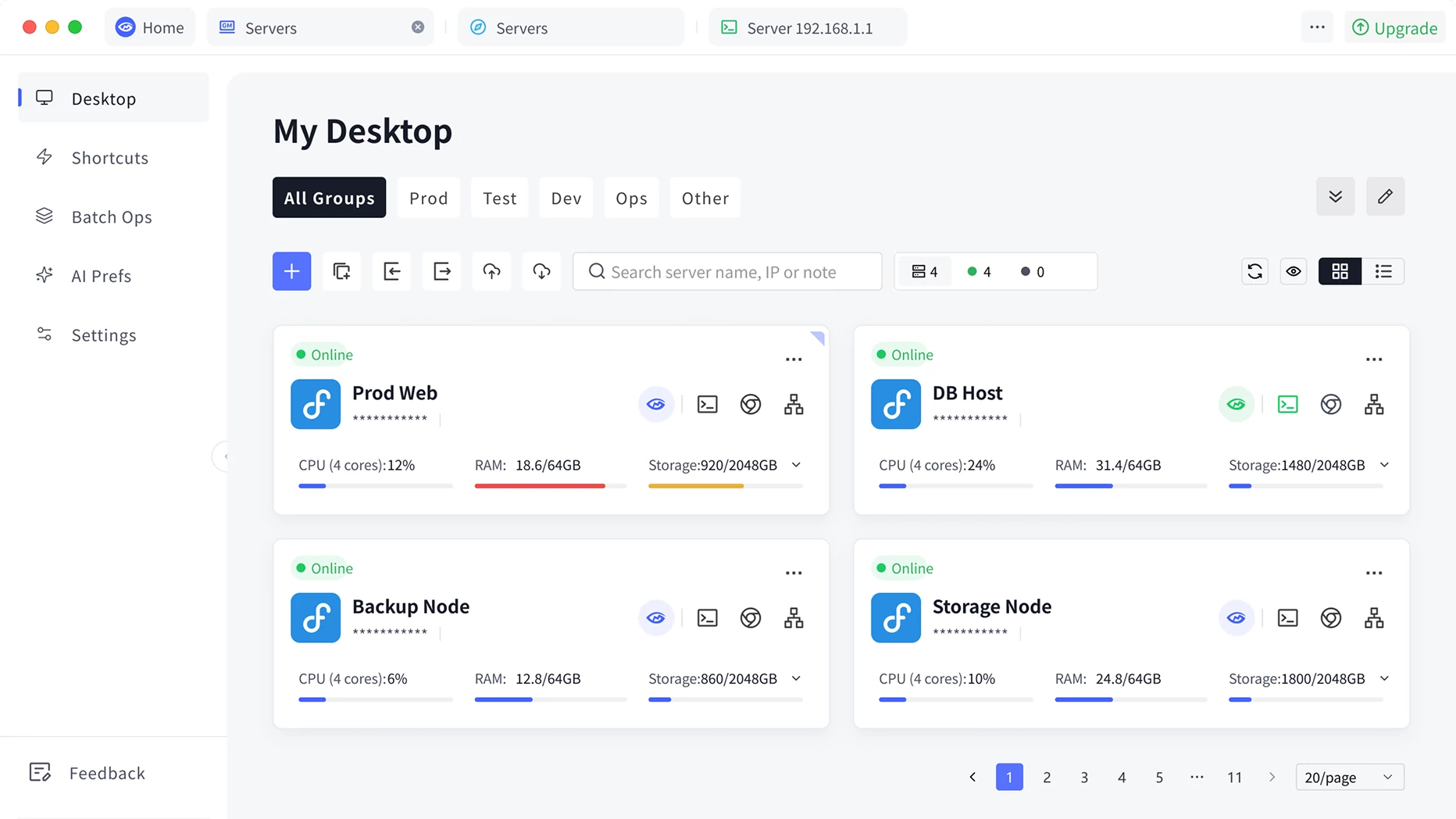
Manage multiple servers with ease, and monitor server status in real time


Website Center
Proxy
SVN
MySQL
Nginx
Certificates
GMSSH API
PHP
Website Center
Proxy
SVN
MySQL
Nginx
Certificates
GMSSH API
PHP
Sites
Supervisor
Node.js
DevTools
API Debugger
Website Center
Proxy
SVN
MySQL
Nginx
Certificates
GMSSH API
PHP
Sites
Supervisor
Node.js
DevTools
API Debugger
Website Center
Proxy
SVN
MySQL
Nginx
Certificates
GMSSH API
PHP
Sites
Supervisor
Node.js
DevTools
API Debugger
Webhook
Firewall
Redis
Disks
Docker
Git
Proxy Service
PM2
Sources
VPN
Private Deploy
Databases
Scheduled Tasks
Webhook
Firewall
Redis
Disks
Docker
Git
Proxy Service
PM2
Sources
VPN
Private Deploy
Databases
Scheduled Tasks
Webhook
Firewall
Redis
Disks
Docker
Git
Proxy Service
PM2
Sources
VPN
Private Deploy
Databases
Scheduled Tasks